The Operational Events provides an integrated view of Operational Events directly within the Check Point SASE platform. It allows easy monitoring, searching, and filtering of Check Point SASE related Operational events.
To view the Operational Events page, access Check Point SASE and go to Monitor & Logs > Operational Events.
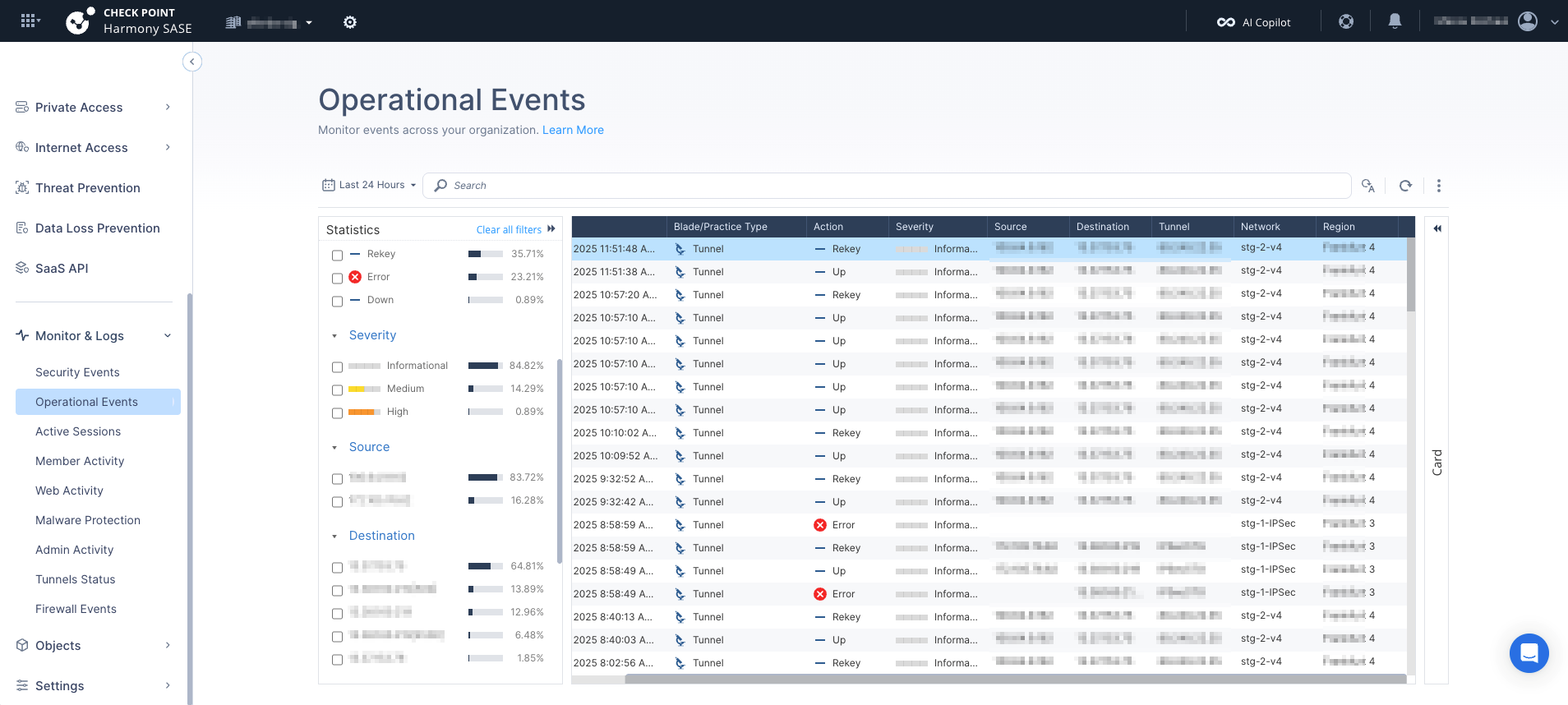
Note - The Operational Events limit the number of events to 300 per search.
Supported Events
The Operational Events supports these event types:
- Tunnel Status Events
- IPSec Events
Statistics
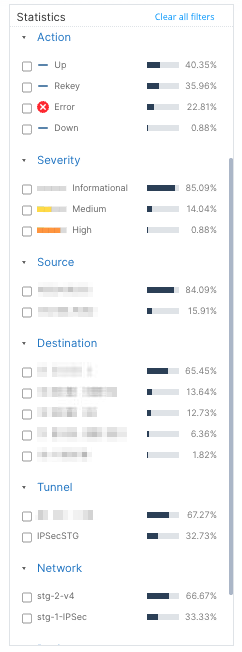
The Statistics panel provides a visual summary including these breakdown by Actions:
- Severity
- Source
- Destination
- Tunnel
- Network
Events
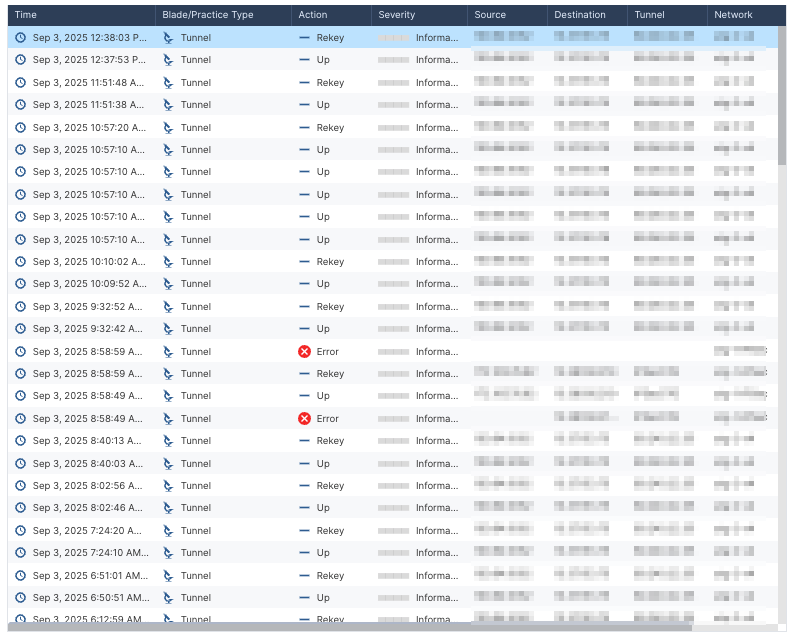
| Column | Description |
|---|---|
| Time | Timestamp when the event occurred |
| Blade/Practice Type | Supports only Tunnel |
| Action | Security action taken:
|
| Severity | Severity level of the event |
| Source/Destination IP | Tunnel Endpoints |
| Tunnel | Tunnel name |
| Network | Network name |
| Region | Region |
Card
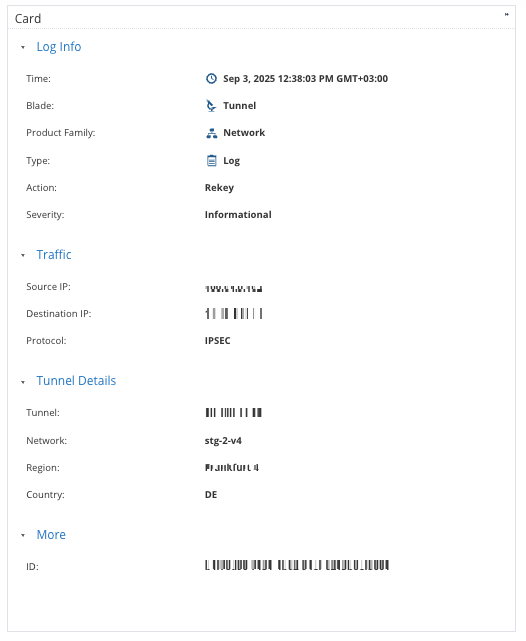
To view a detailed event card, click on a specific event entry. It provides the complete event description.
The card offers an in-depth view for thorough analysis.